
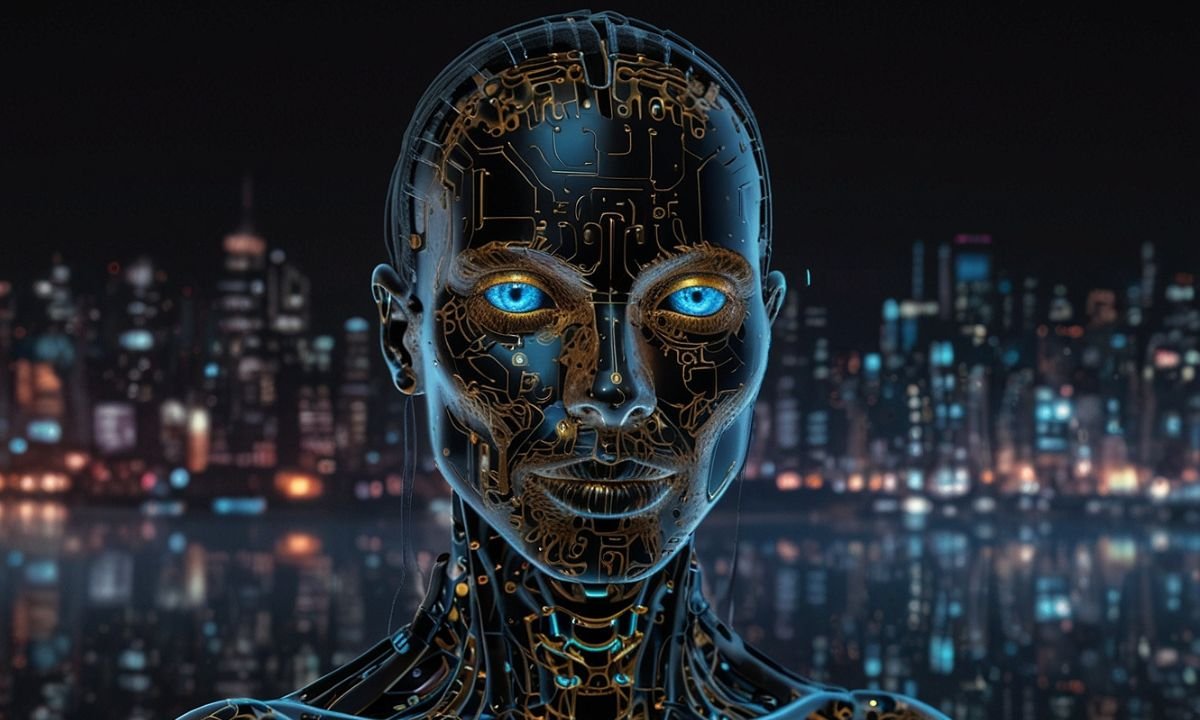
The blank canvas is a thing of the past. Today, the only limit to visual creation is the specificity of your vocabulary. As a graphic designer sketching a campaign visual at 2 a.m., a marketer needing scroll-stopping social assets, or an educator building engaging slides, you’ve probably felt it: AI image generators have turned the “what if” into “here it is—in seconds.”
This isn’t hype. In 2026, AI has shifted from novelty to core competency. Whether you’re creating marketing collateral, teaching visual storytelling, or experimenting with generative art, mastering these tools saves hours and unlocks ideas you couldn’t sketch fast enough. In this definitive AI image generators guide, you’ll learn the mechanics of diffusion models, how to pick the right platform for your budget and workflow, and the anatomy of a perfect prompt that delivers production-ready results.
Source: artsmart.ai
Let’s demystify the tech, compare the top contenders, and arm you with actionable prompting strategies—so you can move from “prompting to production” today.
Understanding the Tech: How AI “Dreams” in Pixels
The Magic of Diffusion Models
At the heart of every modern AI image generator lies the diffusion model—a neural network trained to reverse-engineer noise into coherent pictures. Imagine starting with pure static (random noise) and slowly “denoising” it step by step until a crisp, intentional image emerges. That’s diffusion in action.
The model learns from millions of images and their captions during training. It doesn’t store pictures; it learns patterns, styles, lighting, and compositions in a compressed mathematical space called latent space. When you type a prompt, the system turns your words into a numerical “guidance vector” that steers the denoising process toward your vision. The result? Text-to-image synthesis that feels like magic but is really sophisticated pattern matching guided by your description.
Why Your Prompt Matters
Natural language processing (NLP) meets visual generation here. Your words aren’t just read—they’re embedded into the model’s understanding of “latent space,” a high-dimensional map where similar concepts cluster together. “A cyberpunk city at dusk” sits near vectors for neon, rain-slicked streets, and futuristic architecture. The richer and more precise your prompt, the better the model navigates that space.
This is why vague prompts produce muddy results and detailed ones yield jaw-dropping output. Prompting is creative coding for visuals: you’re not drawing pixels; you’re directing an algorithm.
Top Contenders: Choosing Your Creative Engine
No single tool rules them all. Each shines in different use cases. Here’s a practical breakdown of the leaders in 2026.
Midjourney: The Artistic Heavyweight
Midjourney remains the go-to for creators who prioritize aesthetic punch. Its latest V8 Alpha (launched March 2026) delivers faster rendering (4–5x quicker than earlier versions), native high-resolution with –hd, and stunning coherence in complex scenes.

Source: embracepresets.com
Why choose it? Best-in-class artistic style, cinematic lighting, and photorealistic detail without looking generic. The Discord-based interface (plus growing web access) fosters community remixing via variations and upscale buttons. V8 improves text rendering, personalization, and moodboards for consistent branding.
Best for: Marketing visuals, concept art, editorial illustrations. Access: Subscription starts at $10/month. Great for teams who want “wow” factor out of the box. Pro tip: Use it when you need that indefinable artistic soul—think golden-hour portraits or surreal dreamscapes that feel hand-crafted.
DALL·E 3: The King of Comprehension
Integrated directly into ChatGPT, DALL·E 3 (and its evolving GPT Image successors) excels at understanding nuanced, conversational instructions. It shines when your prompt is complex or iterative—you can brainstorm, refine, and regenerate in one chat window.
Source: mindstudio.ai

Source: community.openai.com
Why choose it? Incredible adherence to detailed text. It handles multi-subject scenes, specific layouts, and even text within images better than most. Safety filters are strict, which is a plus for professional work.
Best for: Educators building lesson visuals, marketers needing precise brand-aligned assets, or beginners who hate learning syntax. Access: Available to ChatGPT Plus users ($20/month) and via API (note: DALL·E 3 API deprecation begins May 2026—migrate to newer GPT Image models). Pro tip: Treat ChatGPT as your prompt co-pilot: “Refine this to make the lighting more dramatic and add a subtle logo in the corner.”
Stable Diffusion: The Professional’s Playground
Stable Diffusion 3.5 (with its 8B-parameter Large variant) is open-source gold for control freaks. Run it locally, on cloud platforms, or through interfaces like Automatic1111 or ComfyUI. The real power comes from extensions like ControlNet, which let you dictate pose, depth, edges, or even scribble a rough sketch and watch it transform.
.png)
Source: ionio.ai
Why choose it? Total flexibility—no censorship, infinite fine-tuning, and consistency across batches. Perfect for high-resolution rendering, image-to-image translation, and custom workflows.
Best for: Creative coders, in-house design teams, or anyone needing repeatable results (e.g., product mockups or character sheets). Hardware note: 12GB+ VRAM GPU recommended for smooth local runs. Access: Free to download; paid cloud options available. Pro tip: Start with SD 3.5 Medium for speed, then scale up. Combine with LoRAs (small style adapters) for your brand’s exact aesthetic.
Quick comparison for your workflow: Need pure beauty fast? Midjourney. Complex instructions or text? DALL·E 3/ChatGPT. Pixel-perfect control and ownership? Stable Diffusion.
The Anatomy of a Perfect Prompt
Beyond Basic Descriptions
Stop saying “a cat.” Start painting with words:
“A fluffy Maine Coon cat perched on a windowsill at golden hour, soft sunlight filtering through sheer curtains, cinematic lighting, photorealistic, 8k, detailed fur texture, warm color grading –ar 16:9 –v 8”
See the difference?
- Medium & style: “oil painting,” “35mm film,” “vector illustration”
- Lighting & mood: “dramatic rim lighting,” “moody noir,” “ethereal glow”
- Technical specs: aspect ratio (–ar), quality boosters (–q or –stylize), version (–v)
Advanced Parameters and Negative Prompts
Most tools support parameters for consistency:
- Seeds lock in a starting point for reproducible results.
- Weights (e.g., “red::2”) emphasize elements.
- Negative prompts are your secret weapon: “blurry, low-res, deformed hands, extra fingers, text artifacts, overexposed.”
Prompt win example: A marketer’s product shot goes from “blurry phone on table” to “sleek black smartphone on marble surface, soft bokeh background, studio lighting, commercial photography style, sharp focus –ar 3:2 –stylize 250” plus negative “cartoon, distortion.” Prompt fail anecdote: One designer I mentored kept getting “extra limbs” until we added “–no extra fingers, mutated hands” to the negative prompt. Fixed in one generation.
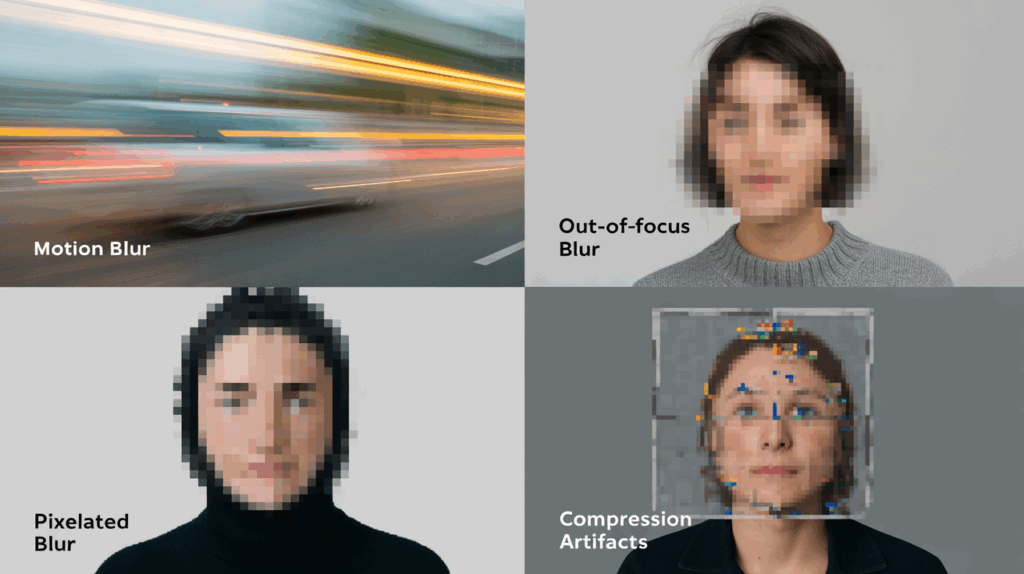
For troubleshooting blurry AI images: Increase steps (50+), use higher resolution upscalers, or add “highly detailed, sharp focus” early in the prompt. Experiment—iteration is your best teacher.
Ethics, Copyright, and Professional Best Practices
Navigating the Legal Gray Area
As of 2026, the U.S. Copyright Office maintains its stance: purely AI-generated images without significant human authorship are not copyrightable. You can own the prompt and your edits, but the raw output lives in a gray zone. Commercial licenses from platforms (Midjourney, OpenAI, Stability AI) usually allow business use, but always check terms—some restrict certain industries or require disclosure.
Do you own the copyright to AI-generated images? Generally, no for 100% machine-made work. Heavy human editing (compositing, overpainting in Photoshop) strengthens your claim.
Responsible AI Usage
Transparency builds trust. Label AI-generated work in client deliverables. Credit original artists whose styles inspired your prompts. Actively mitigate algorithmic bias: diverse prompts (“inclusive casting,” “varied skin tones”) produce fairer outputs. For marketing or education, audit results—don’t let stereotypes slip through.
Ethical use of AI-generated images isn’t optional; it’s professional hygiene.
Conclusion
The tools are powerful, but the human in the loop provides the vision and intent. Mastering AI image generators is a marathon of experimentation, not a sprint. Start small: pick one platform from this guide, craft your first advanced prompt today, and watch the difference. Iterate, document what works, and soon you’ll produce visuals faster than ever while keeping your creative voice front and center.
You now have the ultimate AI image generators guide—from diffusion models to production-ready workflows. The canvas is yours again, only this time it’s infinite. Grab your favorite tool, type that detailed descriptive prompt, and create something only you could have imagined.
Ready to level up? Drop your first prompt in the comments or try it right now. Your next breakthrough is one well-crafted sentence away.